Posted by a Product Manager who has spent the last several years helping organizations get more out of their digital experiences.
There's a moment in every client engagement when the conversation shifts. It stops being about features and starts being about outcomes. Can our editors publish faster without waiting on a developer? Can we personalize content at scale without rebuilding the platform? Can we integrate our commerce catalog without duplicating data across five systems?
Those are the questions that matter, and they're exactly the questions that Optimizely CMS 13 is built to answer.
The Digital Landscape Right Now
The pressure on marketing and digital teams has never been more acute. Audiences expect personalized, relevant experiences across every touchpoint simultaneously, while content operations are becoming exponentially more complex: more channels, more markets, more stakeholders, less tolerance for delay.
This has accelerated the shift toward headless and composable architectures. In theory, decoupling content from presentation and connecting best of breed tools through APIs gives organizations the flexibility to evolve any part of their stack independently. In practice, composable has historically come with a painful trade off: the flexibility developers love tends to create authoring experiences that editorial teams struggle with. Visual editing, real time preview, intuitive layout control, the things that make content teams productive, have often been the casualty of going headless.
CMS 13 officially released on March 31, 2026, and is Optimizely's answer to that tension. It takes composable seriously at the architecture level while refusing to sacrifice the authoring experience content teams depend on. That combination is why we're recommending it.
Key Features: A Product Perspective
Visual Builder
The headline feature, and deservedly so. Visual Builder fundamentally changes who can build and publish pages and how fast.
The model is elegantly layered: developers define the building blocks (components, elements, styles), and content teams deploy them independently through a live, real time editing experience. Authors can create flexible layouts, save reusable section templates as Blueprints, and preview across mobile, tablet, and desktop, all without raising a developer ticket.
What this means practically is reduced developer dependency for day- to- day publishing. That's a meaningful shift in how teams operate and how fast organizations can move. (Velir, Optimizely Product Updates)
Content Manager
If your organization manages thousands of pieces of content, you know the pain of navigating an endless page tree. Content Manager replaces that model with search first browsing: type keywords, apply filters, and surface exactly what you need regardless of where it lives in the hierarchy.
For teams whose content libraries have grown unwieldy over the years, this alone is a compelling reason to upgrade. (Optimizely Release Notes)
Opal AI Agents
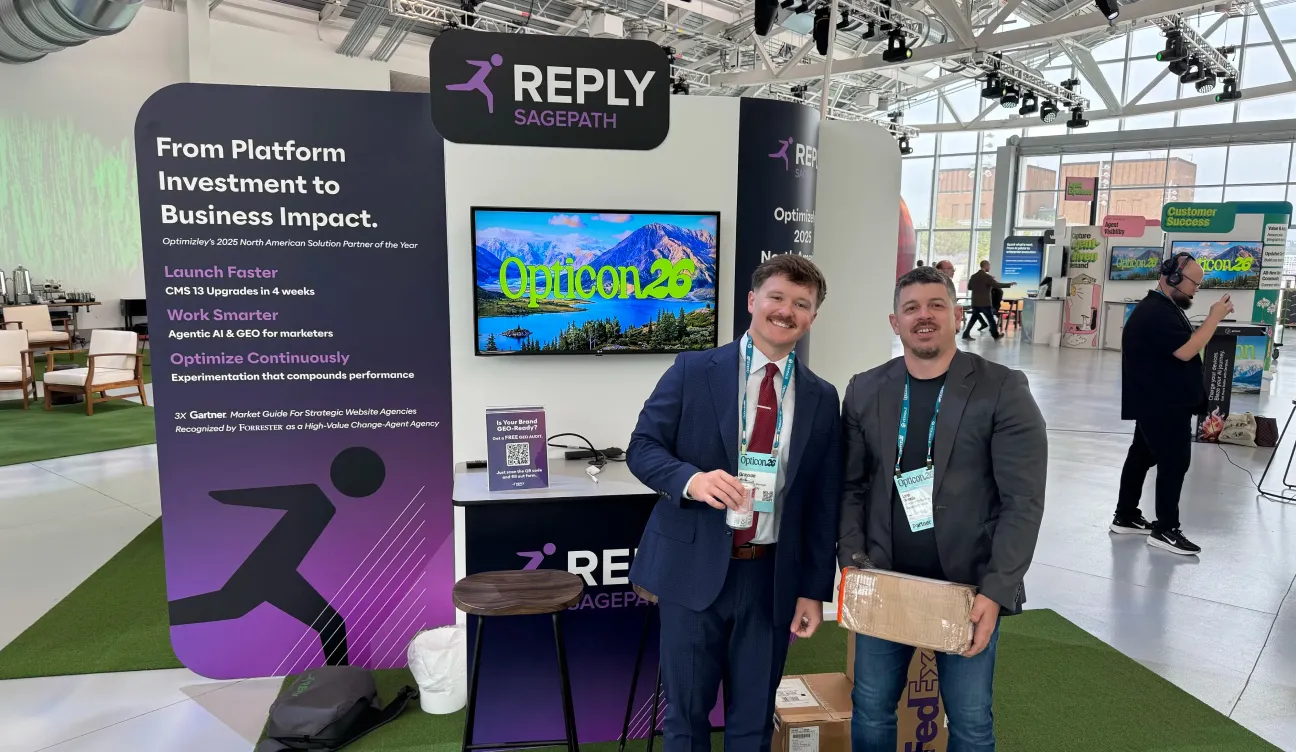
I'll be honest, I went into our recent hands on workshop with Optimizely expecting "AI powered" to mean a button that generates mediocre copy. What I found was something genuinely different, and it was the highlight of the event for me.
We got to spend real time with Opal AI Agents, specifically around workflow creation, and the experience was impressive. The thing that struck me most wasn't any single capability, it was how intuitive it felt to build automated workflows directly inside the CMS. We were creating content operations flows, routing drafts for review, triggering optimization suggestions based on performance signals, automating publishing steps based on audience segment, without ever leaving the editorial environment. It didn't feel like configuring a tool. It felt like describing a process and watching it come to life.
What opened up in my mind during that session was a clear picture of what this means for clients. The manual overhead that content operations teams carry, the approval chains, the QA steps, the "did anyone update the disclaimer on those 47 pages?" That's where Opal starts to compound in value. Not as a novelty, but as infrastructure for how editorial work actually gets done.
The personalization angle is equally significant. Combined with the platform's advanced personalization capabilities, Opal positions CMS 13 as a serious tool for organizations ready to move beyond one- size- fits- all content. The key distinction: AI that lives inside the workflow gets used. AI that lives outside it gets ignored. (Optimizely World Blog)
Architecture and Developer Tooling
Two things worth flagging briefly for the technical side of your organization:
Graph first architecture: Optimizely Graph powers the platform's search, APIs, and content distribution layer, including semantic search and AI ready applications. For organizations building toward multi- channel delivery or composable integrations, this is the foundation that makes those ambitions technically feasible.
JavaScript SDK: Modern, react ready, and designed to reduce the overhead of building on a headless architecture. For teams moving toward a JavaScript heavy front end, this is what makes the headless model practical rather than purely theoretical. (Velir)
Shared Blocks
Shared Blocks solve one of the most persistent headaches in enterprise content management: maintaining consistency across a large, distributed library. Define a component once, a disclaimer, a CTA, a product description, and reference it everywhere. When the source updates, every instance updates. For regulated industries or organizations with strict brand governance requirements, this isn't a nice to have. It's essential. (Optimizely Release Notes)
What's Next: How to Move Forward
Start with an Honest Audit
Before any migration conversation, take inventory. What content types do you have? Where are your authors experiencing the most friction? Which integrations could be simplified through Optimizely Graph? This audit surfaces the organizational priorities that should shape your approach; it's not just a technical exercise.
Run a Pilot with Visual Builder
The fastest way to build internal advocacy is to put Visual Builder in front of your content team. Pick a high traffic, frequently updated section of your site and run a structured pilot. Measure before and after: time to publish, developer tickets raised, author satisfaction. In our experience, the authoring experience is the single most persuasive proof point.
Bring Stakeholders in Early
CMS upgrades fail when they're treated as pure infrastructure projects. Bring content authors, marketing leaders, and creative directors into the conversation early; not just to manage change, but because their input shapes a better implementation. Map current pain points to CMS 13 capabilities before you write a line of code.
Plan a Phased Migration
For most enterprise clients, a big bang migration isn't advisable. Identify the highest value content areas, migrate those first, validate, and expand. CMS 13's composable architecture supports this well, you don't have to migrate everything at once to start realizing value. Define your phases around business value, not technical convenience.
It's also worth noting: CMS 13 introduces Smooth Rebuild, a mechanism that allows platform updates without downtime. The cost of moving has come down; the cost of waiting has gone up. (Optimizely Release Notes)
Key Takeaways
- Visual Builder genuinely shifts the authoring model: developers build the components, content teams deploy them independently, removing the bottlenecks that slow most publishing organizations down.
- Opal AI Agents are embedded in workflows, not bolted on: the difference between AI that gets used and AI that gets ignored is whether it meets editors where they already work.
- The graph first architecture is the foundation for what comes next: multi channel delivery, composable integrations, and AI augmented experiences all depend on it.
- Smooth Rebuild lowers the upgrade risk meaningfully: the historical hesitation around CMS upgrades was largely about disruption; that barrier has been substantially reduced.
- The best migrations are phased and stakeholder inclusive: technical readiness matters, but organizational readiness is what determines whether a platform investment actually delivers value.
About the Author
I'm a Senior Product Manager at a digital experience consultancy, focused on helping enterprise clients design and implement content and commerce platforms that actually work for the teams using them. I've led CMS evaluations, migration programs, and DXP strategy engagements across financial services, healthcare, retail, and higher education. My work sits at the intersection of business requirements, editorial experience, and technical architecture, which means I spend a lot of time translating between stakeholders who want very different things. I write about what I'm seeing in the field because the gap between vendor marketing and implementation reality is usually where the most useful insights live. If you want to talk through what a CMS 13 engagement could look like for your organization, I'd be glad to start that conversation.
Interested in how CMS 13 could work for your team? Let's talk.